Swipe to sort
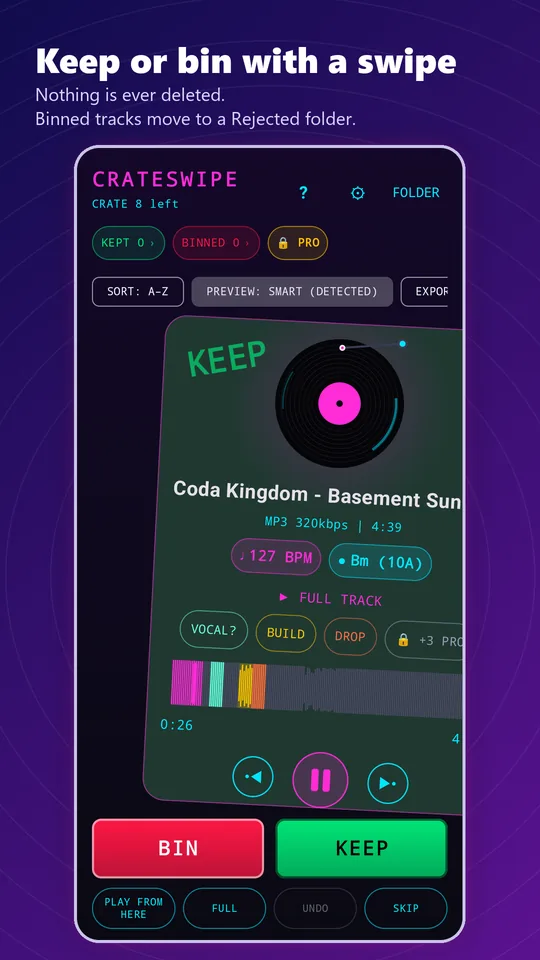
Swipe right to KEEP: pick a genre and the track is tagged and moved to your Keep folder. Swipe left to BIN: the track moves to a Rejected folder. Undo your last move, or Skip a track to the back of the crate.
CrateSwipe for Android
That folder of new downloads you never get round to sorting? CrateSwipe gets you through it in minutes. It brings the feel of digging through the crates in a record shop to your digital library: drop the needle on the intro, the middle and the outro, then decide.
How it works
As a DJ you already know how to judge a tune quickly: lift the needle, drop it on the intro, the middle, the outro, and decide. CrateSwipe is built around exactly that habit. Point it at a folder and it deals you one track at a time. Keep it and it is tagged with a genre and moved to your Keep folder. Bin it and it moves to a Rejected folder. Nothing is ever deleted.
Choose a folder of new tracks and CrateSwipe queues them up as your crate.
Each track previews its intro, midpoint and outro automatically.
Right to keep, left to bin, up to give it an Energy Level from 1 to 5.
Features
Swipe right to KEEP: pick a genre and the track is tagged and moved to your Keep folder. Swipe left to BIN: the track moves to a Rejected folder. Undo your last move, or Skip a track to the back of the crate.
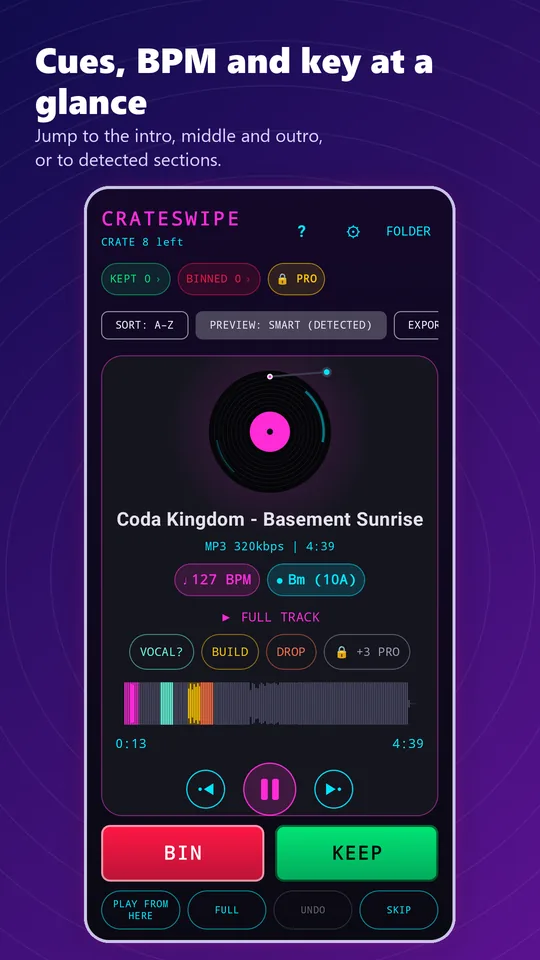
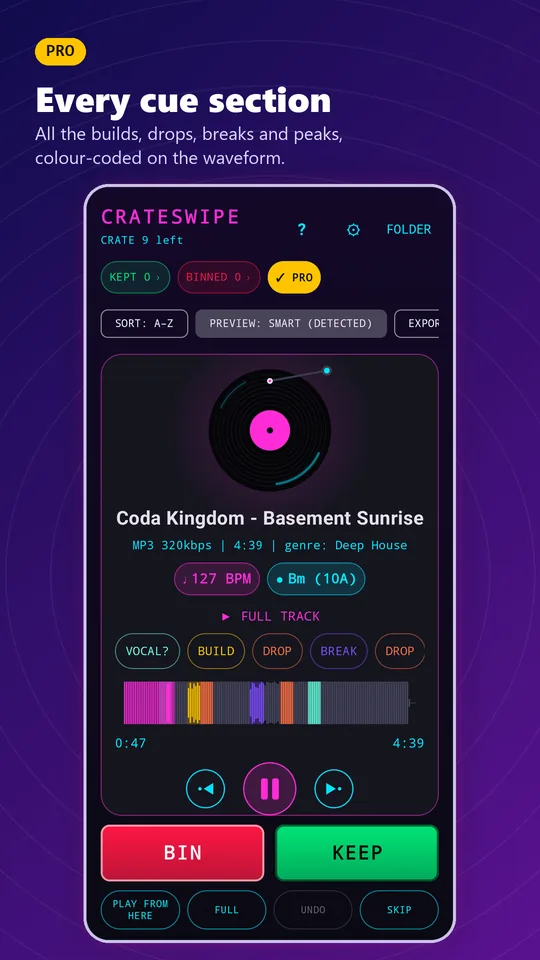
The record on screen is a real control. A tonearm tracks across the vinyl as the tune plays. Drag anywhere on the record to drop the needle there, or tap it to pause. It spins up and winds down like a real turntable.
Every track is analysed on your phone for builds, drops, breaks, likely vocals and peaks. They show as colour-coded sections on the waveform and as cue buttons. Smart Preview plays through every cue in order.
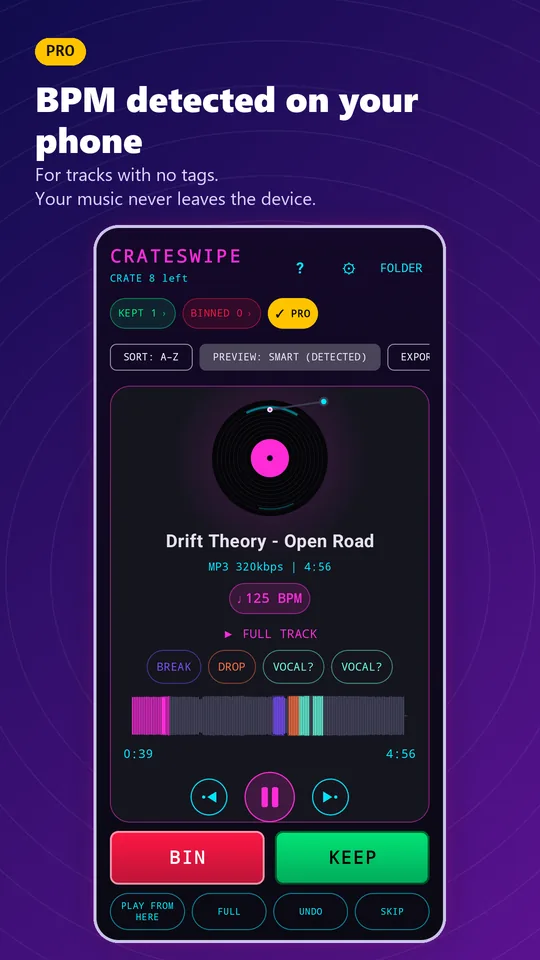
BPM and key are read from your tags and shown as harmonic-mixing key codes. Sort the whole crate by BPM.
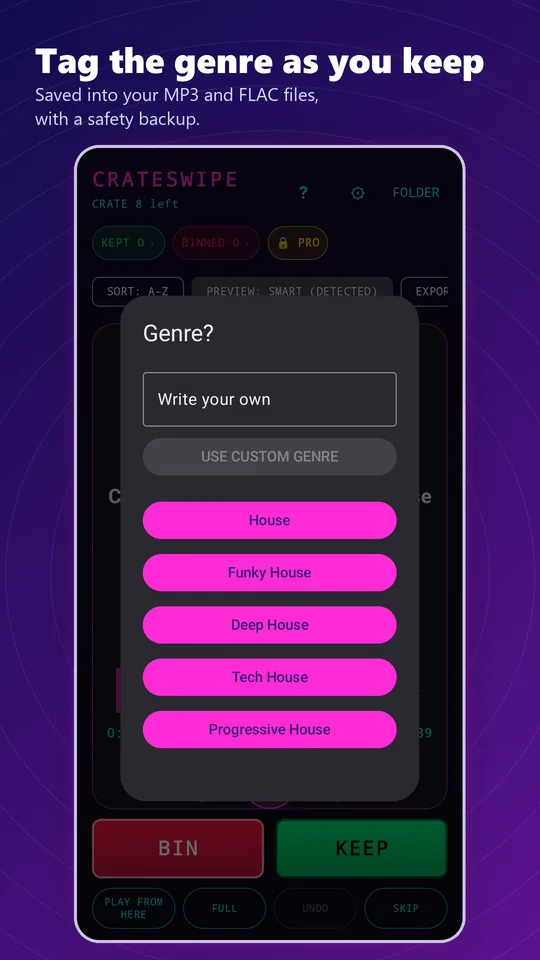
Choose from a genre list covering House, Trance, Techno, Drum & Bass and more, with sub-styles and custom genres. Genre and energy are written to the tags of MP3 and FLAC files, ready for your DJ software.
Everything you kept exports as an M3U8 playlist.
Playback carries on while you use other apps, with a notification control.
Kept and binned counts are saved per folder. Reset Session moves everything back into the crate.
Your music never leaves your device. No account, no uploads, no ads.
Screenshots
Scroll sideways for more. Shots marked PRO show Pro features.
Free vs Pro
| Feature | Free | Pro |
|---|---|---|
| Swipe sorting, genre and energy tagging | Yes | Yes |
| Intro, midpoint and outro previews | Yes | Yes |
| BPM and key from existing tags, with key codes | Yes | Yes |
| Sort by BPM, M3U8 export of kept tracks | Yes | Yes |
| Background playback | Yes | Yes |
| Smart Cue Detection | First three sections per track | Every section |
| BPM and key detection for untagged tracks | No | Yes |
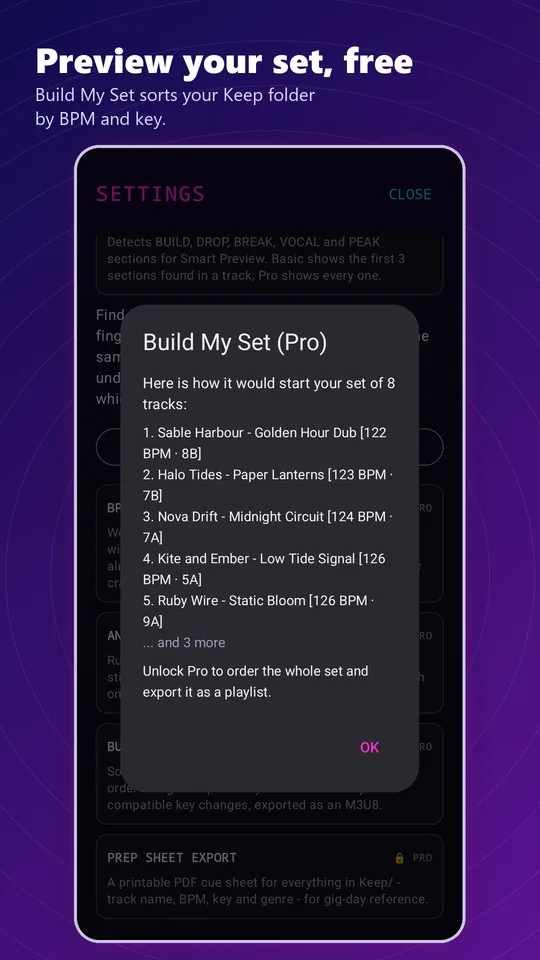
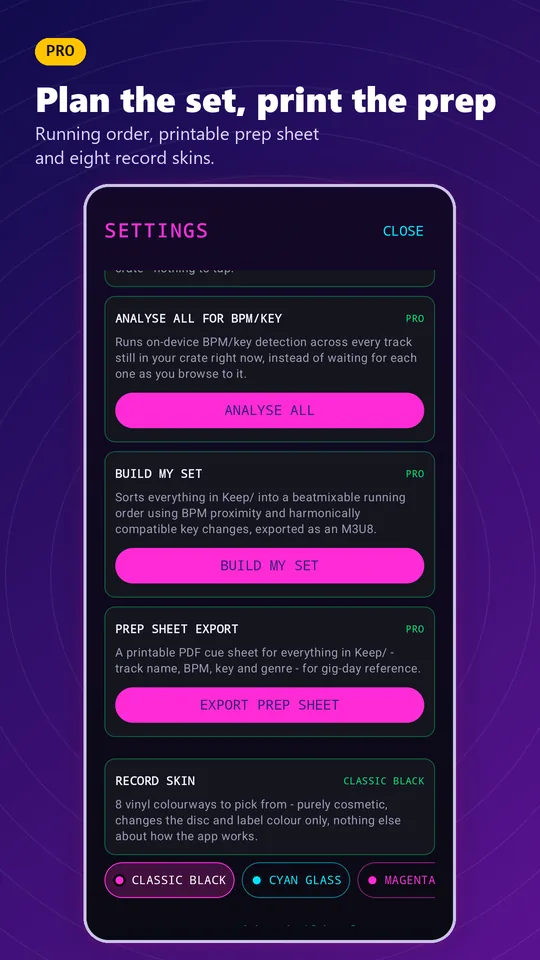
| Build My Set: a mixable running order from your Keep folder, based on tempo and key | No | Yes |
| Prep Sheet: a printable PDF with BPM, key and genre | No | Yes |
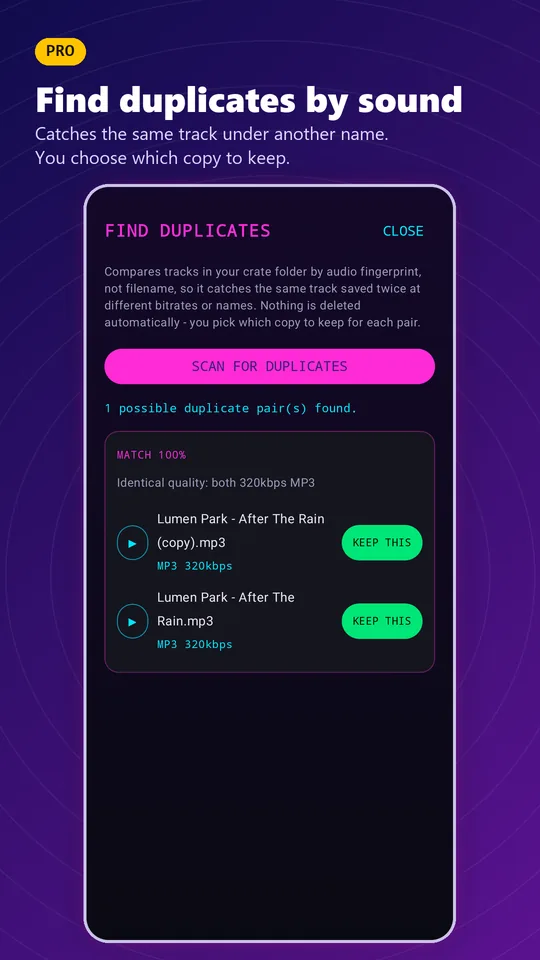
| Find Duplicates: matches tracks by how they sound, and you review every match before anything moves | No | Yes |
| Record Skins: 8 vinyl colourways, from Classic Black to Ultraviolet | No | Yes |
Pro is a one-time purchase with no subscription.
Good to know
FAQ
No. Binned tracks are moved to a Rejected folder, and Reset Session moves everything back into the crate.
For MP3 and FLAC files, it writes the genre you pick and the energy level you set into the file’s tags. Other tags are left as they are.
In a Keep folder inside the folder you chose, along with an M3U8 playlist for your DJ software.
Android 11 and later blocks apps from opening the storage root and Downloads directly. Move new tracks into their own folder first.
No. You review every match before anything moves.
No. There is no sign-up and no login.
No. All analysis runs on your phone, and your music never leaves your device.
No.
No. Pro is a single purchase in each app.
No. CrateSwipe works with music files stored on your device.
Not at present. CrateSwipe is Android-only.
They are estimates designed to speed you up, and they work best on electronic music with a steady tempo.